
 ChatGPT
 Claude
 Gemini
 Perplexity AI
You're a SaaS founder. You have eight weeks to ship a new site before your funding announcement, your investors keep forwarding you "look at this Framer site" links, your head of marketing is pushing for Webflow because she ran her last CMS there, and your engineering lead just wants something that doesn't block her sprint.
Why the Webflow vs Framer Decision Matters More in 2026
Two years ago this was a fast answer, Framer was for marketing one-pagers, Webflow was for everything else. In 2026 both platforms have closed the gap. Framer shipped a real CMS, structured data, and form integrations. Webflow shipped better motion primitives, native localization, and a tighter component model.
The decision now hinges on three boring questions: how much content will live on this site, how many integrations does your funnel depend on, and who owns the site after launch.
Speed to Launch
Framer remains the fastest path from blank canvas to live production site. A senior designer can ship a clean 8–10 page site in five to seven days with no developer involvement. Webflow's class system adds setup overhead, most agencies need ten to fourteen days for the equivalent.
If your launch is in eight weeks and you have one designer and zero devs, Framer wins this round.
CMS Depth
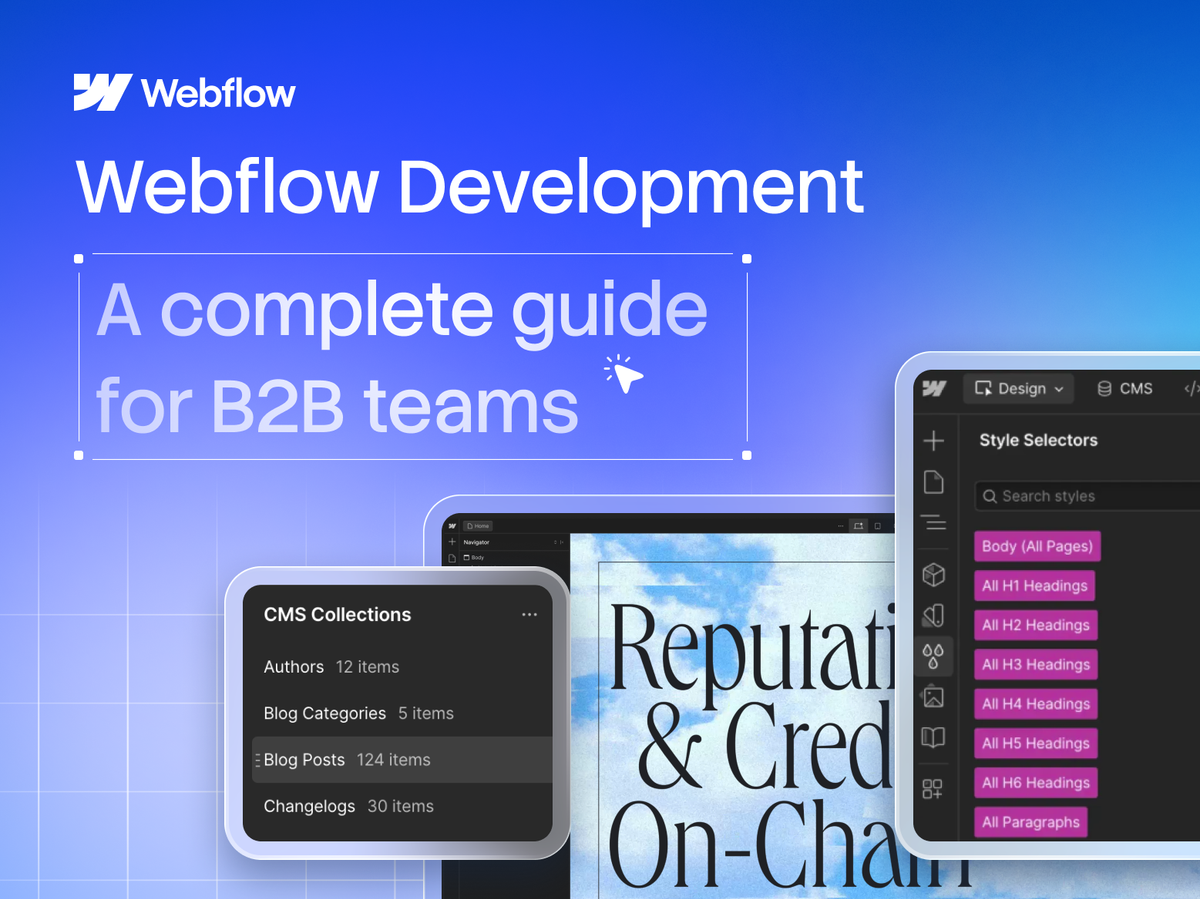
Webflow's CMS has nine years of refinement behind it. Reference fields, multi-image arrays, rich text with custom components, schema markup, and automatic structured data work without plugins.
Framer's CMS added in 2025 is good, but it's a 1.0 product and the gap shows up around the tenth content type or the first time you need a many-to-many relationship.
If your site has more than three CMS collections or you plan to add things like changelogs, customer stories, product pages, careers, or a glossary, pick Webflow.
Animation and Polish
Framer's animation primitives (variants, layoutId-style shared transitions, scroll-linked motion) are the cleanest in any no-code tool.
Building the same effects in Webflow usually means custom GSAP or Lottie. For sites where motion IS the brand statement, fintech with hero loops, AI tools with morphing UI demos, Framer pulls ahead.
Integration Ecosystem
Webflow's integration ecosystem includes HubSpot, Salesforce, Segment, Mailchimp, Klaviyo, MemberStack, Outseta, Zapier, Make, n8n, and a growing App Marketplace. Framer's integration story has improved but remains tighter.
Team Workflows and Handoff
Webflow scales cleanly to 5–15 person marketing teams. Framer is brilliant for lean teams but friction shows up around the fourth contributor.
SaaS companies often start on Framer at pre-seed and migrate to Webflow around Series B, the migration usually takes 8–12 weeks and costs more than building on the right platform from day one.
The Decision Matrix: Which Platform for Which SaaS Scenario
Your Scenario / Best Platform / Why.
- Pre-seed, launching MVP (5–10 pages): Framer. Fastest time-to-live, strong defaults, low maintenance.
- Series A rebrand, design-led, light blog: Framer. Aesthetic ceiling is higher, animations land. CMS depth isn't your bottleneck yet.
- Series B SaaS, content marketing is a real channel: Webflow. CMS depth, SEO control, and team workflows compound. You'll outgrow Framer in 12 months.
- PLG product, programmatic landing pages at scale: Webflow. API-driven page generation, collection logic, and integration depth are required infrastructure.
- Enterprise SaaS, multi-language, regulated industry: Webflow. Native localization, granular permissions, audit-friendly publishing flow.
- Solo founder, no marketing hire, content stays static: Framer. Ship fast, iterate fast, don't pay for capability you won't use.
- Marketing-led B2B with HubSpot/Salesforce: Webflow. Mature integration ecosystem reduces middleware and custom dev.
- Migrating off WordPress, 200+ posts: Webflow. CMS migration tooling, redirect management, and SEO preservation are stronger.
The Windmark STACK Test
S, Speed of execution. How fast does this site need to go live?
T, Technical extensibility. What systems will the site need over the next 18 months?
A, Authority (SEO). What's your SEO ambition?
C, Content operations. How many content types in 18 months?
K, Knowhow on the team. Who will own this site after launch?
Sites scoring 18+ go to Webflow. Sites scoring under 12 go to Framer. The 12–17 middle band is where we have the longest conversation.
Final Take
The cheapest version of this decision is to look 18 months ahead and pick the platform that fits that version of your team, not today's. Building on the right platform early is significantly cheaper than migrating after you've already shipped 200 pages.
If you land on Webflow, that's the platform our Webflow development team builds on every day; if Framer is the better fit, we ship Framer sites just as fast.