
 ChatGPT
 Claude
 Gemini
 Perplexity AI
Six weeks after the shiny new website goes live, someone pulls up analytics and the room goes quiet. Organic traffic is down 30%. Three of the top-ten landing pages return 404s.
The blog that used to bring in demo requests is now buried under a URL structure nobody redirected. The redesign looks incredible, and it's costing the company pipeline every single day.
This is the most common B2B website redesign failure, and it has nothing to do with taste. It happens because teams treat a redesign as a visual project when it's really a migration, an SEO project, and a conversion project wearing a design costume.
The good news: every one of those failures is preventable with a disciplined sequence. This is the exact website redesign checklist we run at Windmark, 12 steps across four phases, so your new site launches faster, ranks higher, and converts better than the one it replaced, instead of setting you back a year.
Why a Structured Website Redesign Matters in 2026
The average B2B company redesigns its website every two to three years, usually triggered by a rebrand, a funding round, or the growing embarrassment of a site that no longer matches the product. That cadence means most teams have done it only once or twice, not often enough to build muscle memory for what goes wrong.
And the stakes have risen. Gartner's research shows B2B buyers complete roughly 67% of their journey before ever contacting sales, almost all of it on your website.
Your site isn't a brochure anymore; it's the majority of your sales process running unattended. A botched redesign doesn't just hurt vanity metrics, it removes deals from the pipeline you can't see leaving.
The other shift is technical. Google's Core Web Vitals are a ranking factor, and a redesign that ships slower, heavier pages can drop you in search even if the content is identical. A structured process is how you upgrade the look and protect the machine underneath it.
The Windmark Redesign Blueprint
We organize every redesign into four phases. Diagnose, Design, Build, Launch, with 12 non-negotiable steps inside them. The order matters: the biggest mistakes happen when teams jump to Design (Phase 2) before finishing Diagnose (Phase 1). Follow the sequence and you protect what works while you improve what doesn't.
Phase 1. Diagnose (Before Anyone Opens Figma)
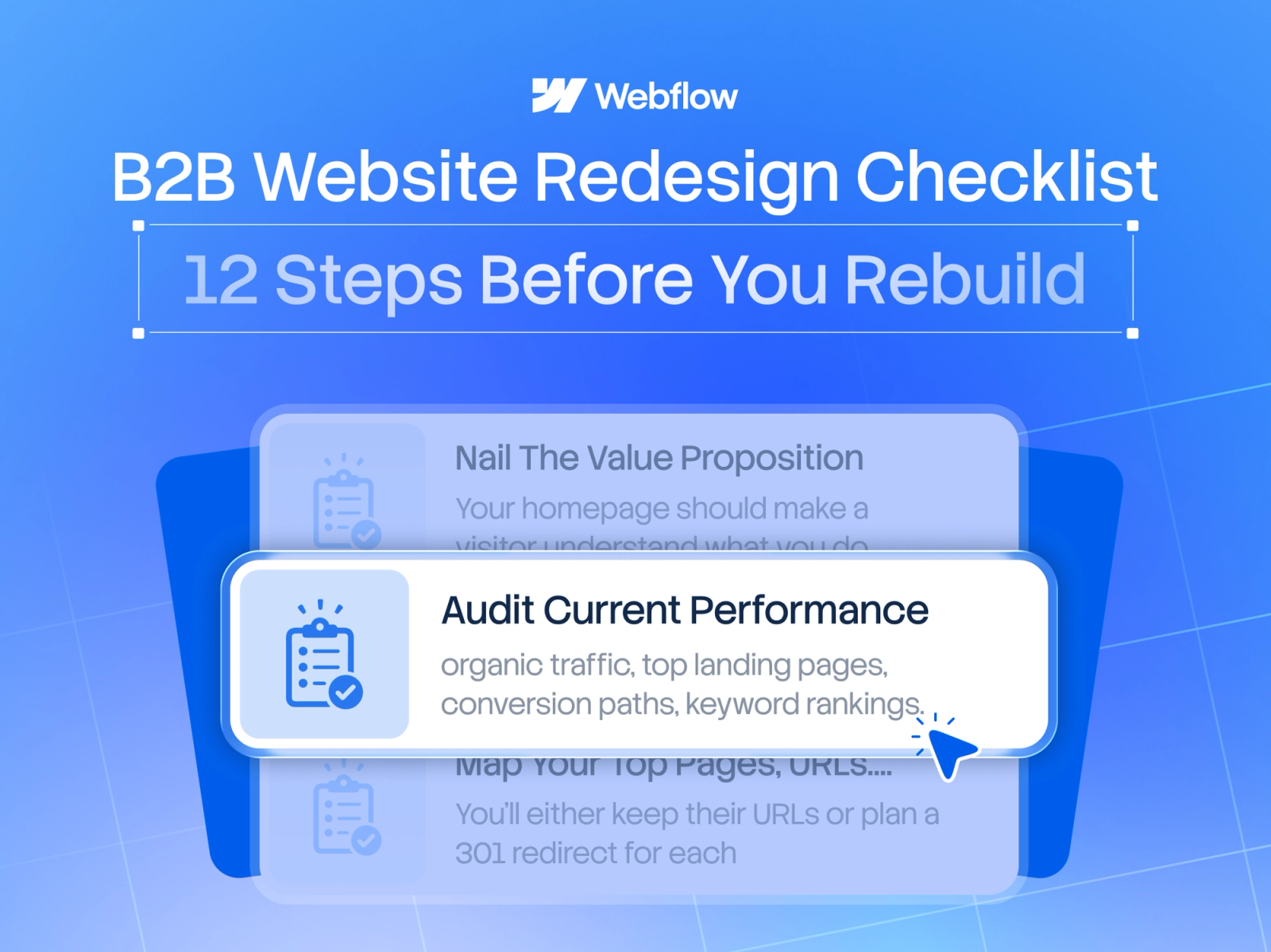
Step 1: Audit Your Current Performance
Pull a baseline before you change anything: organic traffic, top landing pages, conversion paths, keyword rankings, and your highest-traffic URLs.
This baseline is how you'll prove the redesign worked, and it flags the pages you must not break. Redesigning without this data is how teams accidentally delete their best-performing content.
Step 2: Define One Business Goal and Its Metrics
"Make it look modern" is not a goal. "Increase demo requests by 25%" is. Pick a single primary objective, usually pipeline, and the metrics that prove it: conversion rate, demo requests, qualified traffic.
Every design and copy decision downstream gets judged against this. When stakeholders argue about a hero image later, the goal is your referee.
Step 3: Map Your Top Pages, URLs, and Backlinks
List every URL that earns traffic, ranks, or holds backlinks. These are your SEO assets. You'll either keep their URLs or plan a 301 redirect for each. There is no third option that doesn't cost traffic. Pay special attention to blog posts and resource pages, which often carry the bulk of your organic authority.
Step 4: Research Buyers and Competitors
Revisit who you're selling to and how you're positioned against alternatives. Read your sales team's objection notes. Study how the sites that outrank you frame their value. This is what keeps the redesign from being an internal aesthetic exercise disconnected from what buyers actually need to decide.
Phase 2. Design (Message First, Pixels Second)
Step 5: Nail the Messaging and Value Proposition
Write the words before the layout. Your homepage should make a visitor understand what you do, who it's for, and why it's better within five seconds, the standard set by companies like Linear and Stripe.
Clear positioning is the single biggest conversion lever on a B2B site, and it has to exist before design, because copy dictates layout, not the reverse.
Step 6: Plan Information Architecture and User Journeys
Map how each buyer type moves from landing to conversion. Design the navigation and page hierarchy around those journeys, not around your org chart. A logical IA reduces friction, improves crawlability, and makes the redirect mapping in Step 10 far simpler.
Step 7: Design Conversion-Focused Templates
Design the templates that do the heavy lifting, homepage, pricing, product/feature pages, case studies, and CMS layouts for the blog. Build each around a clear next action. Reusable, systemized templates keep the site consistent and make it dramatically easier to scale content after launch.
Step 8: Get Stakeholder Sign-Off Before Build
Lock design and final copy with every decision-maker before a developer touches it. Late-stage "can we just change the hero" requests are where redesign timelines and budgets go to die. Sign-off here is what protects your launch date.
Phase 3. Build (Where SEO Is Won or Lost)
Step 9: Build on a Fast, Scalable CMS
Choose a platform that gives you clean code, strong Core Web Vitals, and a CMS your marketers can actually use without a developer.
This is why so many B2B teams rebuild on Webflow, it ships fast, static-first pages and lets the marketing team publish independently. A redesign that requires a dev ticket for every edit just recreates the problem you're solving.
Step 10: Preserve SEO With a Redirect and Metadata Plan
This is the step that saves your traffic. Create a 301 redirect map for every changed URL, carry over or improve title tags and meta descriptions, migrate structured data, and rebuild internal links.
Skip this and you'll watch rankings evaporate the week you launch. If you're moving platforms, treat this with extra care, see our guide on migrating without losing SEO.
Step 11: QA Everything Before You Publish
Test responsiveness on real devices, check accessibility, and confirm every form, tracking script, and analytics event fires correctly. Broken forms and missing conversion tracking are silent killers, the site works, but you can't measure or capture anything. QA is cheap; a month of untracked launches is not.
Phase 4. Launch (The Midpoint, Not the End)
Step 12: Launch, Monitor, and Iterate for 90 Days
Ship it, then watch closely. Submit the new sitemap in Google Search Console, monitor rankings and crawl errors, and compare conversion metrics against your Step 1 baseline. Expect minor turbulence in the first weeks and be ready to fix redirect gaps fast.
The first 90 days are when you convert a good launch into a compounding win. This is also when your CRO program begins, a redesign is the start of optimization, not the end of it.
Where to Start
If you're staring at a website that no longer reflects your product, and you're nervous about the traffic you might lose rebuilding it, that fear is well-founded, and it's exactly what this checklist prevents.
Start with Phase 1 this week: pull your baseline analytics and map your top URLs. You can't protect what you haven't measured.
If you're a B2B SaaS team planning a redesign this quarter and want a partner who treats it as an SEO and conversion project, not just a new coat of paint, that's what we do.
See Windmark's website redesign service and our B2B redesign case study.. If that's the quarter you're in, we'd start with a redesign readiness audit built on exactly these 12 steps.