
 ChatGPT
 Claude
 Gemini
 Perplexity AI
Your CEO forwards a LinkedIn post: "If your site doesn't have an llms.txt file, you're invisible to ChatGPT." The same week, an agency offers to "implement llms.txt and AI optimization" for $2,000. Then your SEO lead sends a screenshot of a Google engineer saying no AI system uses it. So who's right?
That confusion is why "llms txt" now gets around 5,400 searches a month in the US. The honest answer is in between. llms.txt is a cheap, sensible thing to add for some SaaS sites and close to irrelevant for others, and it's never a substitute for actually being citable. This guide explains what the file is, what the evidence says about who reads it, when your SaaS website needs one, and exactly how to add it in Webflow.
Why llms.txt Is Getting So Much Attention in 2026
B2B buyers increasingly research vendors inside AI assistants and AI search: ChatGPT, Claude, Perplexity, Gemini and Google's AI Overviews. Marketing teams are under pressure to "do something" about AI visibility, and llms.txt looks like the obvious quick win, because it's literally a file for LLMs.
Momentum is real. The llms.txt proposal, first published by Jeremy Howard in September 2024, was updated to a second version in August 2026 after "two years of adoption." According to llmstxt.org, thousands of sites now publish one. Documentation platforms such as Mintlify and GitBook generate them automatically, plugins like Yoast SEO and AIOSEO add them to WordPress, and OpenAI, Anthropic and Google's Gemini publish llms.txt files for their own developer docs. Chrome's Lighthouse now has an optional llms.txt check under "Agentic browsing," and Webflow added native llms.txt upload in 2025.
But publishing a file isn't the same as AI systems reading it. That gap is what this post is about.
What Is llms.txt? (And How It Differs From robots.txt and sitemap.xml)
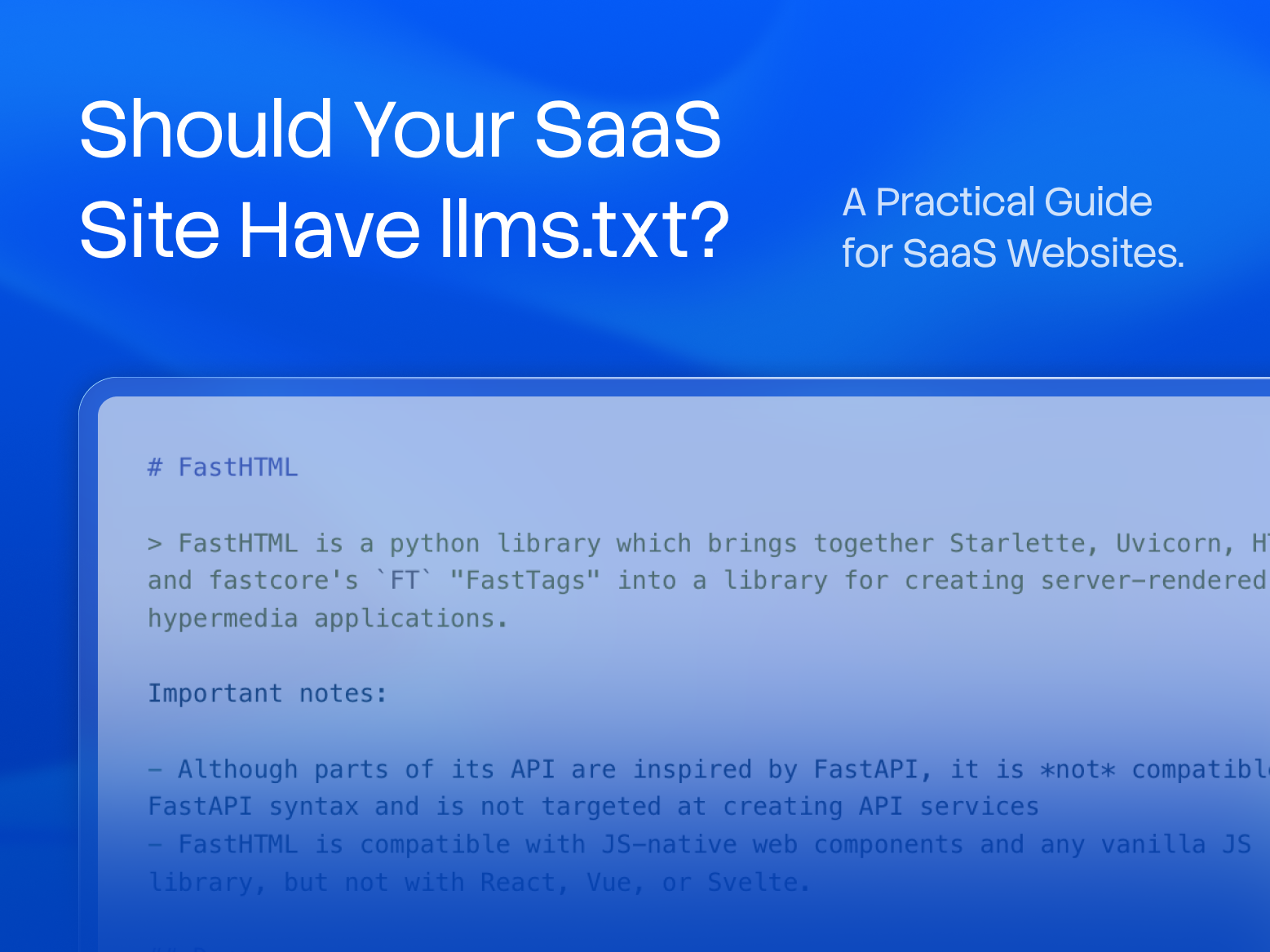
An llms.txt file is a Markdown document at the root of your domain (for example https://yoursite.com/llms.txt) that gives AI agents a short, curated overview of your site: what you do, and which pages matter most. The idea is that an AI tool can read one clean file instead of parsing dozens of heavy HTML pages full of navigation, scripts and banners.
The current specification is simple:
- An H1 with your site or product name. This is the only required part.
- A blockquote with a one- or two-sentence summary.
- Optional paragraphs with extra context (no headings).
- H2 sections containing link lists, in the format
- [Page name](url): short description. - An "Optional" H2 section for secondary links an agent can skip when it needs less context.
The spec also proposes that useful pages offer a clean Markdown version at the same URL with .md added (such as /pricing.md). Some platforms also publish an llms-full.txt, a single file containing the full text of the documentation. That's a convention popularised by docs tools, not part of the core spec.
| File | What it does | Who reads it |
|---|---|---|
| robots.txt | Tells crawlers what they may and may not crawl | Search engines and most AI crawlers, as an established standard |
| sitemap.xml | Lists every indexable URL for search engines | Google, Bing and other search engines |
| llms.txt | Curated summary and key links for AI tools | Some AI agents and developer tools, when they look for it. Not Google Search. |
Does Anything Actually Read llms.txt? What the Evidence Says
This is the question most llms.txt guides skip. Here's where things stand in late 2026.
Google Search doesn't use it. Google's John Mueller has said publicly that "no AI system currently uses llms.txt," compared it to the old keywords meta tag, and later called it "purely speculative." Google's Gary Illyes has said Google doesn't support it. Google's own guidance on AI features is explicit: "You don't need to create new machine readable files, AI text files, or markup to appear in these features."
AI companies publish llms.txt files, but that's not proof they read yours. OpenAI, Anthropic and Google host llms.txt files for their developer docs because those docs are heavily used by AI coding tools. That says nothing about whether their consumer chatbots fetch llms.txt from your marketing site when a buyer asks a question.
Server logs suggest crawlers rarely request it. Practitioners who have tested it report very few requests for llms.txt compared with normal pages and sitemaps. One widely shared test logged just two hits in 30 days. These are anecdotes, but they point the same way as Google's statements.
Where it does get used: developer and agent workflows. When a developer points an AI coding assistant or an MCP-powered agent at your docs, a clean llms.txt (and Markdown pages) helps the agent find the right material quickly. Chrome's Lighthouse audit reflects this "agentic browsing" use case: it notes that agents without one may spend more time crawling the site.
The verdict: llms.txt is a low-cost signal with unproven impact on AI search visibility and real usefulness for docs and agents. Webflow's own help article puts it well: it's "a new and emerging, experimental convention" that "doesn't guarantee your site will be read by LLMs."
Does Your SaaS Website Need an llms.txt File?
It depends on what your site is. Use this as a quick decision guide.
| Your site | Should you add llms.txt? | Why |
|---|---|---|
| Developer docs, API reference, SDK guides | Yes, a priority | AI coding tools and agents actively use structured docs. Add llms.txt, and ideally Markdown page versions too. |
| SaaS marketing site (product, pricing, use cases, blog) | Yes, as a 30-minute task | Low effort and no downside if it's accurate. It may help agents summarise you correctly. Don't expect traffic changes. |
| Help center or knowledge base | Useful | Helps AI tools answer product questions accurately from canonical sources. |
| Ecommerce or marketplace | Optional | Agent-commerce standards matter more here than llms.txt. |
| Anything, as your main AI visibility strategy | No | It won't replace crawlable content, structured data, clear answers and authority. |
Two warnings for SaaS teams. First, don't pay a premium for llms.txt alone. It's a short text file, and anyone selling it as a growth strategy is overselling. Second, keep it accurate. An outdated llms.txt that points AI tools to old pricing or deprecated features is worse than none at all.
How to Write a Good llms.txt File (With a SaaS Example)
Webflow's guidance has a useful framing: write it "like you're guiding a company intern who's never seen your site before." Describe what you do plainly. Avoid buzzwords, and don't paste in your homepage hero copy.
Here's an llms.txt example for a fictional B2B SaaS company. You can copy the structure and adapt it.
# Acme Analytics
> Acme Analytics is a product analytics platform for B2B SaaS teams. It tracks how users adopt features, predicts churn risk, and connects product usage to revenue in HubSpot and Salesforce.
Acme is used by product, growth and customer success teams at companies with 50–5,000 employees. Pricing is per tracked user, with a free plan up to 1,000 monthly users.
## Product
- [Product overview](https://acme.com/product): What Acme does and its core features
- [Churn prediction](https://acme.com/product/churn): How churn risk scores are calculated
- [Integrations](https://acme.com/integrations): Native HubSpot, Salesforce, Segment and Snowflake integrations
## Pricing and plans
- [Pricing](https://acme.com/pricing): Free, Growth and Enterprise plans with current limits
## Customers and proof
- [Case studies](https://acme.com/customers): How SaaS companies use Acme, with results
- [Security and compliance](https://acme.com/security): SOC 2 Type II, GDPR, data residency
## Docs
- [Developer docs](https://docs.acme.com/llms.txt): API, SDKs and tracking setup
## Optional
- [Blog](https://acme.com/blog): Product analytics guides and research
- [About](https://acme.com/about): Company background and leadership
Best practices:
- Lead with facts AI tools get wrong. Category, who it's for, pricing model and key integrations.
- Link canonical pages only. No campaign landing pages, internal URLs or anything gated.
- Write descriptions as answers. "SOC 2 Type II, GDPR, data residency" beats "Enterprise-grade security."
- Point to your docs' own llms.txt if you have a separate docs site.
- Keep it short. Webflow requires under 100 KB, and a good marketing-site file is usually under 2 KB.
- Update it with every pricing, packaging or positioning change. Add it to your launch checklist.
Using an llms.txt generator? Generators can crawl your site and draft a file, which is a fine starting point. Edit the output by hand. Generators tend to list too many pages and copy marketing language, which defeats the purpose of a curated summary.
How to Add llms.txt in Webflow
Webflow supports llms.txt natively. According to Webflow's help documentation:
- Go to Site settings > SEO > LLMs.txt.
- Click Upload file.
- Choose your llms.txt file. It must be UTF-8 encoded and under 100 KB.
- Click Save changes, then publish your site.
After publishing, the file is available at https://yourdomain.com/llms.txt.
Three Webflow-specific details:
- Custom domain only. The file isn't published to your
.webflow.iostaging domain, so test it on your live domain after publishing. - No Markdown page variants. Webflow's implementation is scoped to the llms.txt file itself. It doesn't generate the
.mdversions of pages proposed in the spec. Webflow's view is that well-structured HTML pages linked from llms.txt are sufficient for now. - Pair it with robots.txt. llms.txt doesn't control access. Check your robots.txt rules (also in Site settings > SEO) to make sure the AI crawlers you want, such as OAI-SearchBot or PerplexityBot, aren't blocked. We cover crawler configuration step by step in our GEO and AEO guide for Webflow.
On other platforms: WordPress users can generate one with Yoast SEO or AIOSEO, and documentation platforms like Mintlify and GitBook create them automatically.
Where llms.txt Fits in the Windmark Webflow Answer Build
At Windmark, we treat llms.txt as one small part of a bigger system we call the Webflow Answer Build. It's our five-layer approach to getting B2B websites cited by AI search, covered in full in our GEO and AEO guide:
- Crawl: AI and search crawlers can access and render your pages. robots.txt is configured, sitemaps are clean and pages are fast. llms.txt lives here, as a helpful map, not a key.
- Structure: Schema markup on every CMS template (Organization, Product, FAQPage, Article), clear heading hierarchy and semantic HTML.
- Content: Pages that answer real buyer questions directly: comparisons, pricing explanations, use cases and FAQs that AI systems can lift and cite.
- Authority: Mentions, reviews, citations and links from sources AI systems trust, including review sites, communities and industry press.
- Distribution: Getting your answers in front of the places AI tools learn from, then measuring AI-referred traffic and citations.
The pattern we see is consistent. Teams that rush to add llms.txt while their pricing page is vague, their product pages have no schema and nobody else on the internet mentions them see no change. Teams that get layers 2–4 right get cited, with or without llms.txt. So add the file, it takes half an hour, then spend the real effort where AI visibility is actually earned.
Related service: SEO and AI search
See it in practice: Browse Windmark's client projects
If you've been told llms.txt is the key to AI visibility, here's the honest version: add it, it takes half an hour, then fix the things that actually get SaaS companies cited. Windmark's SEO team builds Webflow sites around the Webflow Answer Build: crawlable, schema-rich, answer-first pages that AI search can trust and quote. Book a 30-minute AI visibility review, and we'll check your llms.txt, robots.txt, schema and key pages, and show you what's actually holding your citations back.